
A school Chromebook refresh involves more than moving devices out of a classroom. Inventory, managed device settings and the data on each machine need a plan before equipment is handed over.
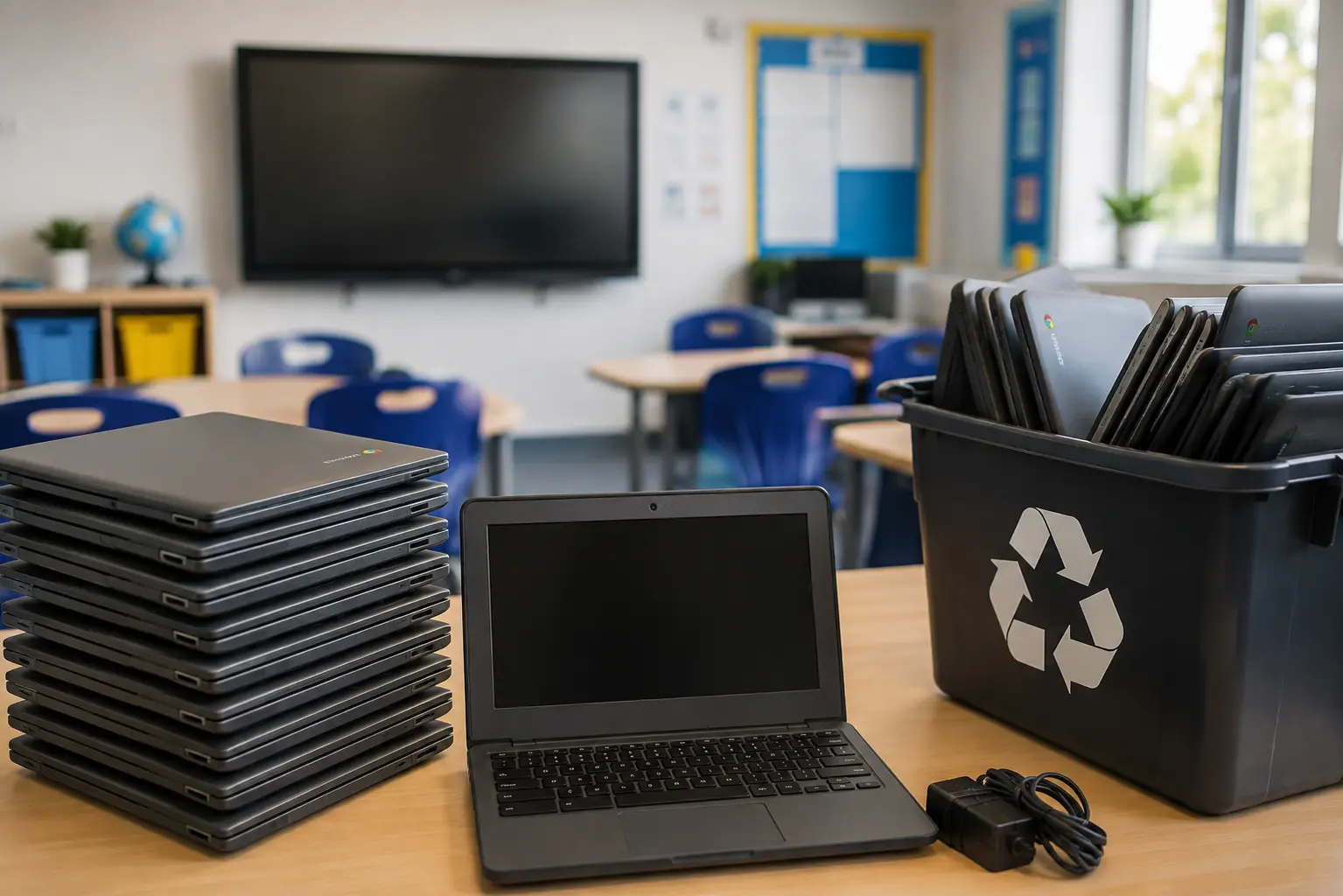
Start with an asset list
Record the model, serial or asset number, condition and location of each Chromebook. Separate school-owned devices from leased or third-party equipment, and identify accessories or removable storage that need separate handling. Note devices that will not power on so they are not mistakenly recorded as successfully reset.
Deal with management and data
If the Chromebooks are managed through Google Admin, your administrator should follow Google's guidance for retiring or deprovisioning devices. Deprovisioning removes the organisation's management relationship; wiping device data is a separate step to plan and verify as appropriate. Check the device's destination and your school's policy before deciding whether it can be reused or should be destroyed. A failed device needs an exception route rather than a completed wipe entry.
Agree the collection record
Reconcile the number and identifiers handed over with what was approved for disposal. Ask what receipt and processing record will be available, especially if some equipment will be prepared for reuse and some storage will be destroyed. Confirm access times and any site arrangements before collection.
For a wider project that also includes laptops, servers, tablets or printers, see our school IT disposal guide. Send the count, models and postcode so we can confirm a suitable service. Request a quote.
Further reading: Google's ChromeOS device retirement guidance and DfE device standards.
Planning a data clearance?
Send your material, quantity and postcode, along with the records your organisation needs. We will confirm the available options for your job.