
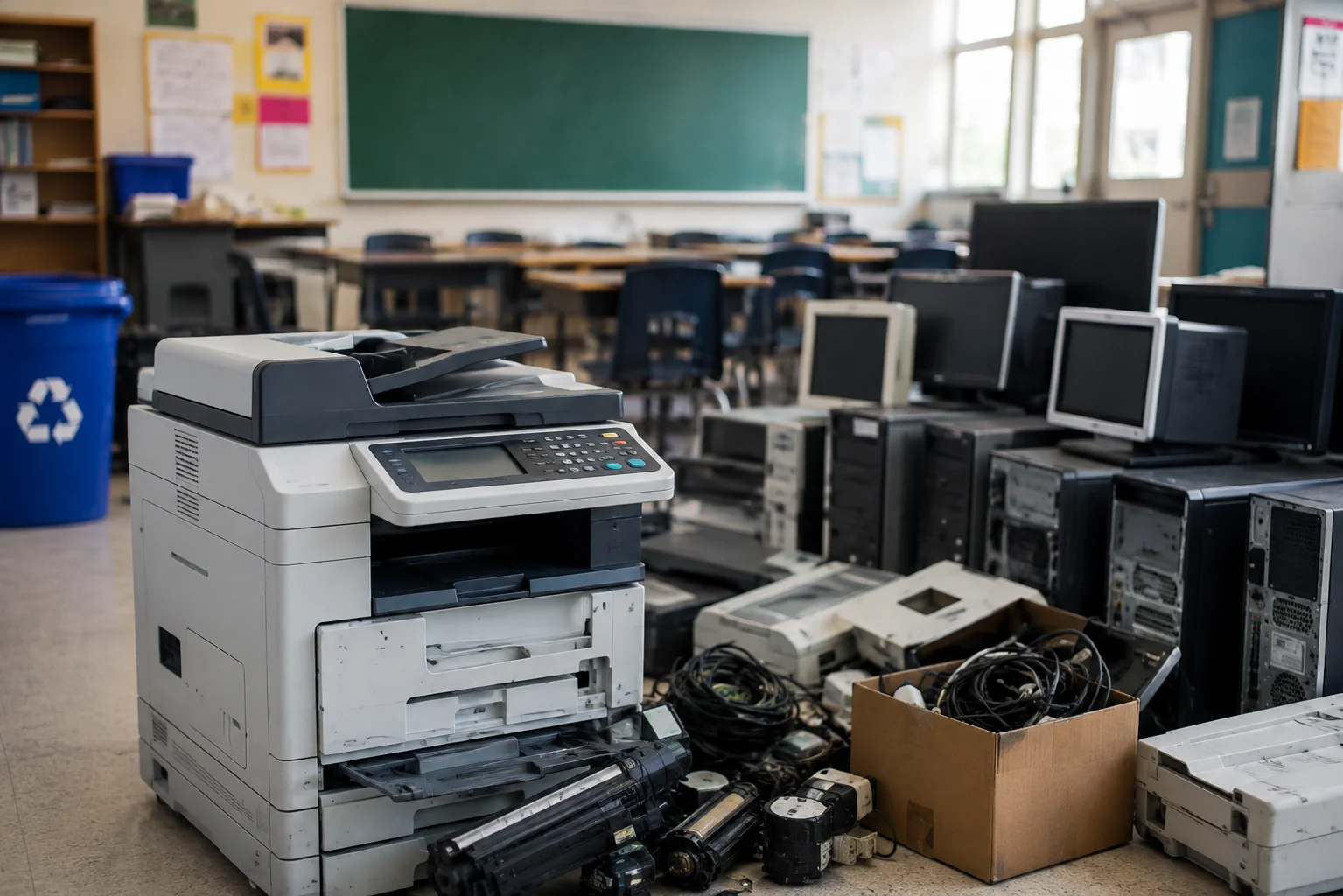
Printers and photocopiers often leave a school in a different batch from laptops. Some models include internal drives or memory, saved address books, scan destinations and network settings. Check the actual model before assuming there is no data to address.
Identify the model and ownership
Record the manufacturer, model, serial number and location of each machine. Check whether it is owned by the school, leased or managed by a print supplier. A lease return may have its own collection and data handling terms; confirm who will remove or erase storage before the device changes hands.
Check stored information
Ask your IT or print support team whether the device has a hard drive, SSD or other non-volatile storage. Depending on the model and configuration, saved print or scan jobs, address books, credentials and network settings may need attention. Follow the manufacturer's instructions and the school's policy for clearing settings and dealing with any removable drive. Record devices that cannot be powered on or reset.
Prepare the physical collection
Large photocopiers may need access through corridors, lifts or loading areas. Tell the collector about stairs, narrow doors and the equipment's approximate size. Discuss consumables, batteries or other separate components rather than putting them into an ordinary waste bin.
For a larger refresh, include printers in the same inventory as laptops, Chromebooks, tablets and servers. See our school IT disposal checklist for the full plan.
Ask about the next step
Send the models, counts, collection postcode, ownership status and any data record you require. We will check the service available for your equipment. .
Further reading: ICO advice on disposing of old IT equipment.