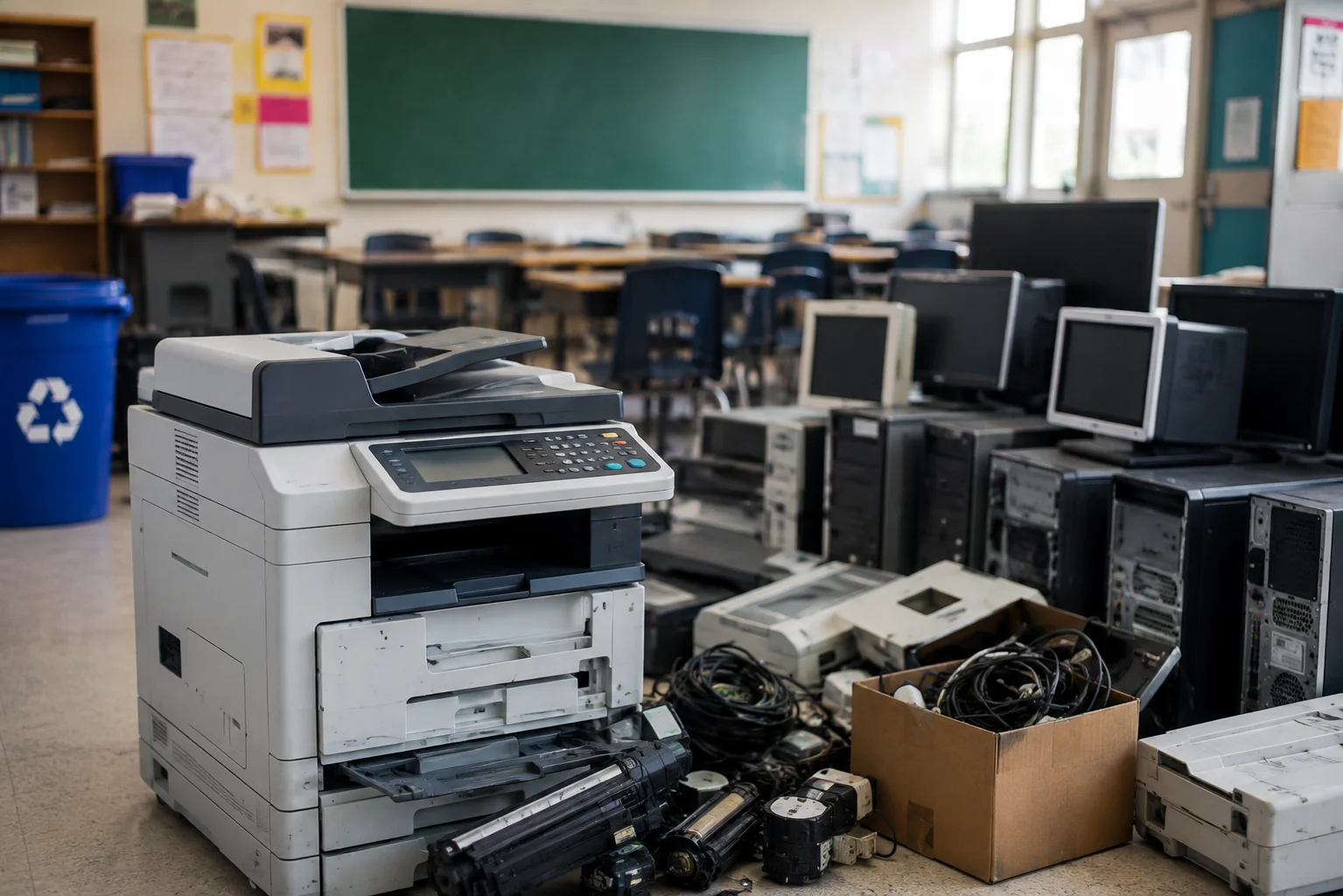
When a school clears out old IT equipment, the laptops and Chromebooks usually get the attention. The printer sitting in the corner of the office, or the photocopier that’s been “replaced but not moved yet,” tends to get left until someone trips over it. It’s rarely intentional — printers just don’t feel like the kind of device that needs careful handling.
That assumption is where most of the mistakes happen. Printer disposal for schools involves more than most people expect, and skipping the parts that get overlooked can leave a school exposed in ways that only show up later, when it’s too late to fix quietly.
Why Printers Get Treated Differently (and Shouldn’t)
A laptop clearly looks like a computer. A printer doesn’t, even though many of the machines used in school offices today are effectively small computers themselves — multifunction devices with internal storage, network connections, and print histories going back months or years.
A few reasons printers end up being handled less carefully than they should be:
- They’re bulky and awkward, so they often get pushed into a storeroom rather than processed properly
- Nobody’s quite sure whose job it is — IT, site staff, or the office manager
- They don’t look like a “data risk” the way a laptop does, even though many of them are
- Schools often assume the supplier will “deal with it” when a new machine arrives, which isn’t always true
None of that makes printers exempt from WEEE regulations or data protection law. It just means they slip through the cracks more easily than equipment that looks more obviously like a computer.
What Actually Gets Missed
The Internal Hard Drive
Most multifunction printers and photocopiers used in schools have an internal hard drive that stores scanned documents, print jobs, and sometimes fax logs. Over a few years, that can include exam papers, safeguarding referrals, SEN paperwork, staff HR documents, or anything else that’s ever been scanned or printed through the machine.
Unplugging the printer and sending it off with a general waste collection does nothing to that drive. It’s still there, fully intact, until someone actually wipes or destroys it.
Print Logs and Cached Documents
Even without a full hard drive, many printers hold a memory cache of recent jobs — sometimes just the last few documents, sometimes weeks’ worth, depending on the model. It’s easy to assume this data disappears when the machine is powered off. It usually doesn’t.
Leased or Rented Machines
A lot of schools lease their printers and photocopiers rather than owning them outright. When a lease ends and the machine is returned to the supplier, it’s easy to assume data handling is the supplier’s problem from that point. It isn’t — schools remain responsible for personal data under GDPR regardless of who technically owns the hardware. If a leasing company doesn’t confirm certified data destruction before a returned machine is resold or scrapped, that’s still a risk sitting with the school.
The “It’s Just a Printer” Assumption at Collection Time
When a general waste or scrap metal collection comes to clear a storeroom, printers often get lumped in without a second thought, especially if they’ve been sitting there for months and nobody remembers what’s actually on them. WEEE regulations apply to printers exactly as they do to computers — general waste collection isn’t a legal disposal route for them, whatever the drive situation.
What Proper Printer Disposal for Schools Actually Involves
- Identify what’s actually being disposed of. Multifunction devices with storage need data destruction. Simple, storage-free printers still need registered WEEE disposal, just without the data step.
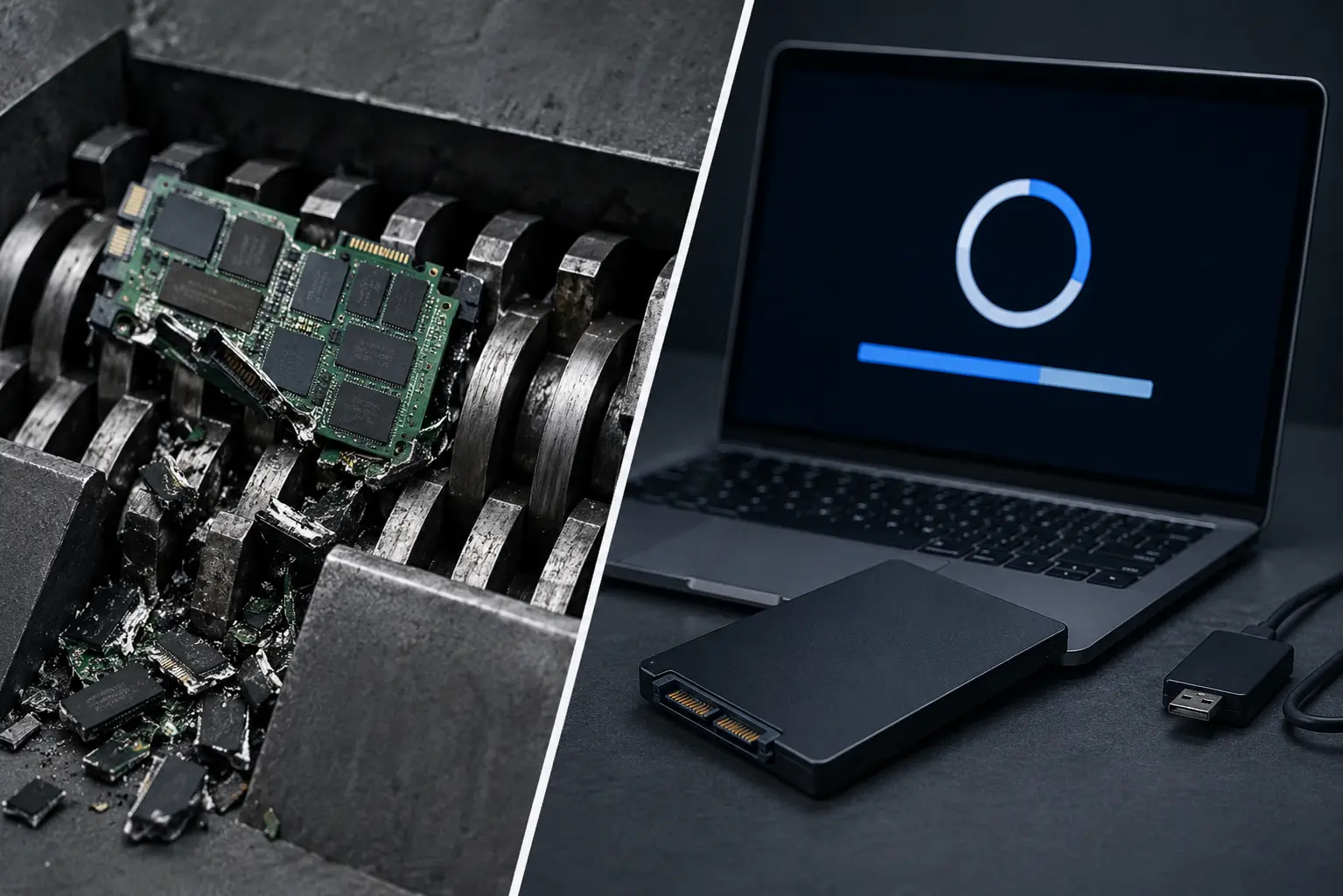
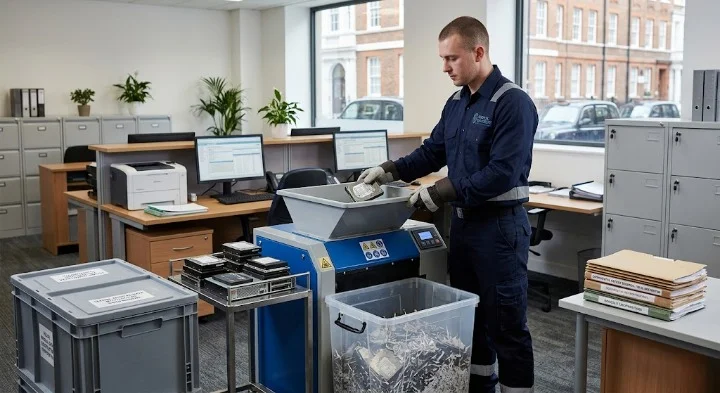
- Confirm the data destruction method. For devices with an internal drive, this means certified wiping or physical destruction of that drive specifically, not just the machine being switched off.
- Check leased equipment terms before it’s returned. Ask the leasing company directly whether data destruction is included, and ask for documentation rather than a verbal assurance.
- Use a registered waste carrier. Printers and photocopiers count as WEEE and need to go through a carrier registered with the Environment Agency, the same as any other IT equipment.
- Get a certificate for every machine. A certificate of destruction matched to the device’s details is what protects the school if anyone later asks how a specific machine was handled.
- Don’t separate printers from the rest of the clearout. If a wider on-site collection is already being arranged for laptops and servers, printers and photocopiers should go through the same process, not be dealt with separately by whoever happens to be clearing the office that week.
A Quick Checklist Before Any Printer Leaves the Building
- Does it have an internal hard drive or storage? If unsure, assume yes until confirmed otherwise.
- Is it owned outright, or leased? Leased machines need a data destruction confirmation from the supplier before return.
- Has it ever scanned or printed sensitive documents — exam papers, safeguarding files, HR records? Assume yes for any office or admin machine.
- Is the collection going through a registered WEEE carrier, or general waste? Only the former is legal.
- Will a certificate be issued for this specific machine, matched to its serial number?
If the answer to that last question is no, the disposal isn’t really finished yet, regardless of whether the machine has physically left the premises.
How This Fits Into Wider School ITAD
Printer and photocopier disposal isn’t really a separate task from the rest of a school’s IT asset disposal — it just gets treated that way because the devices look different from laptops and Chromebooks. The same obligations apply: WEEE compliance, GDPR accountability, and documented proof of what happened to each device. Our broader guide on ITAD for schools covers how this fits alongside Chromebooks, interactive whiteboards, and the rest of a school’s device fleet.
Frequently Asked Questions
Do all printers need certified data destruction, or just some? Only devices with internal storage need data destruction specifically. A basic printer with no memory or drive doesn’t carry the same risk, but it still needs to go through registered WEEE disposal rather than general waste.
Who’s responsible for data on a leased photocopier once it’s returned? The school remains accountable under GDPR unless the leasing agreement explicitly confirms certified data destruction before the machine is resold, refurbished, or scrapped. It’s worth asking for that in writing rather than assuming it happens automatically.
Can old printers be donated instead of recycled? Yes, provided any internal storage has been wiped first. A donated printer that still holds scanned documents from its previous life carries the same risk as a donated laptop with a leftover staff profile.
What happens if a printer is sent to general waste by mistake? Beyond the environmental issue, it’s a WEEE compliance breach, and if the machine held any data, a potential GDPR issue too. If this happens, it’s worth documenting what occurred and reviewing the school’s disposal process so it doesn’t happen again with the next clearout.
How often should schools review printers and photocopiers as part of ITAD planning? Most schools only think about printers when a lease ends or a machine breaks down, which means they rarely get included in a planned annual review the way laptops do. It’s worth adding them to the same inventory and review cycle as the rest of the school’s IT equipment, rather than treating them as a separate, occasional problem.
Final Thoughts
Printers and photocopiers don’t look like a data risk, which is exactly why they end up being the piece of a school’s IT disposal that gets missed. They hold more than most people assume, and a machine that’s simply unplugged and left for collection hasn’t actually been dealt with — it’s just been moved out of the way.
The fix isn’t complicated. Treat printers the same way you’d treat a laptop full of staff records: check what’s on it, destroy the data properly, use a registered carrier, and keep the certificate. It’s a small addition to a school’s existing disposal process, and it closes a gap that’s easy to overlook until it’s already caused a problem.