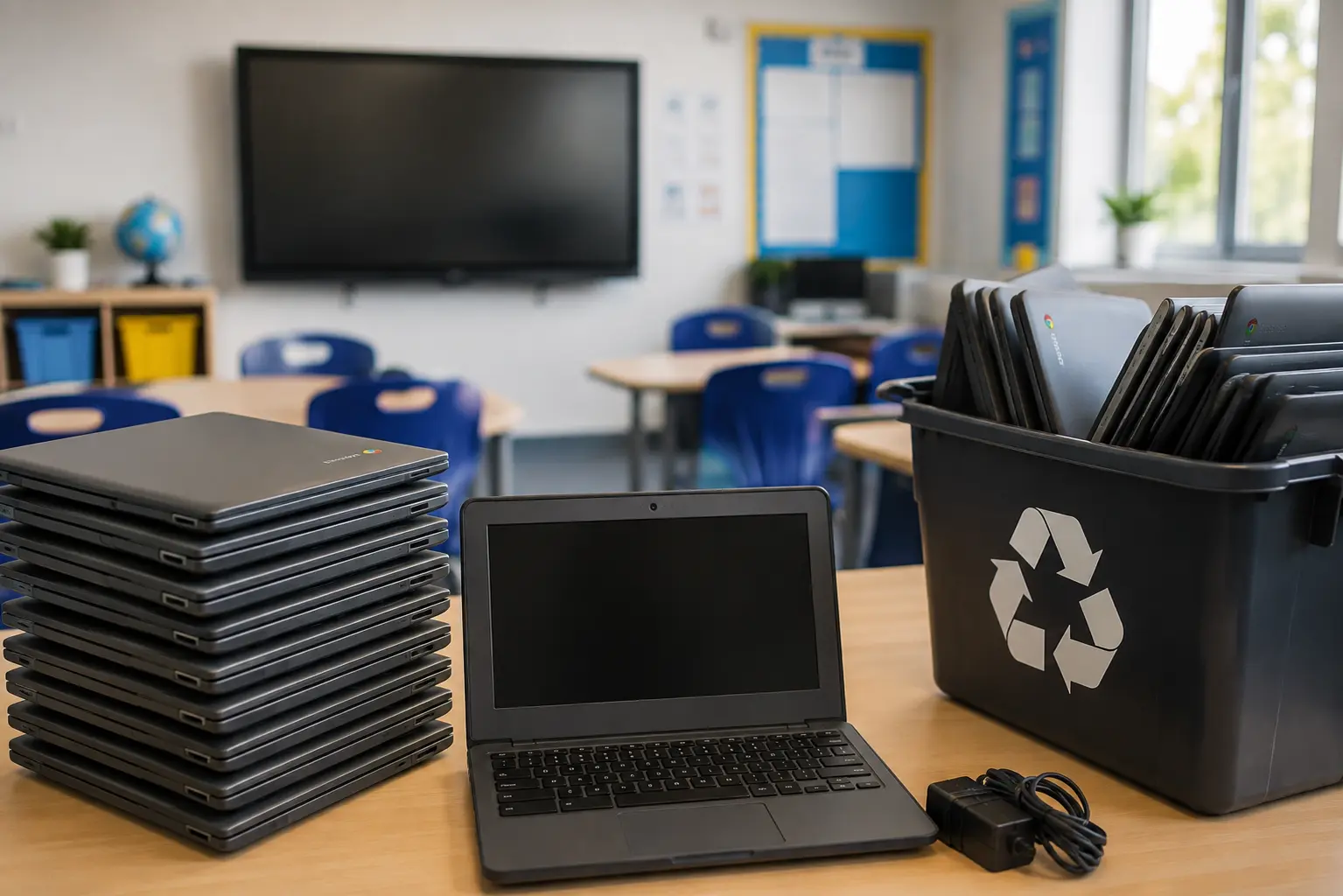
A lot of UK schools rolled out 1:1 Chromebook programmes over the past few years, and a lot of those same schools are now hitting the point nobody quite planned for: the first big wave of devices reaching end of life all at once. A trolley of forty Chromebooks that were fine two terms ago are suddenly cracked, slow, or simply too old to run what the curriculum needs.
That’s when Chromebook disposal turns from a background IT task into something that actually has to be dealt with properly, and it’s a different job than disposing of a laptop, in ways that catch a lot of schools out.
Why Chromebooks Are Different From a Standard Laptop Disposal
On the surface, a Chromebook looks like the easiest device in the building to retire. It’s lightweight, cheap compared to a full laptop, and doesn’t hold much locally in the way of files. That simplicity is part of the problem — it makes people assume disposal is simpler than it actually is.
A few things make Chromebooks their own category:
- They’re tied to a Google Workspace domain, not just switched on and off. A device can be physically gone and still show up as active in Google Admin.
- Pupil accounts, not just staff accounts, are involved. Chromebooks used by students often stay logged into school-managed accounts that carry safeguarding and behavioural data, not just schoolwork.
- A Powerwash isn’t the same as certified data destruction. It resets the device to factory settings, but that’s not automatically the same as meeting a documented destruction standard.
- Volume. Schools rarely retire one or two Chromebooks, it’s usually a full year group or a whole trolley at once, which changes how the job needs to be planned.
The Step Most Schools Miss: Deprovisioning
This is the one that catches schools out more than anything else. Wiping a Chromebook clears what’s stored on it, but the device itself can remain enrolled in the school’s Google Admin console indefinitely unless it’s actively deprovisioned.
A Chromebook that’s been sold, donated, or scrapped but never deprovisioned is still technically part of the school’s managed device fleet. That matters for a few reasons:
- It can still count against the school’s device licensing, depending on the Google Workspace for Education plan in place
- If the device later gets used by someone else, it may still pull down the school’s management policies until it’s released
- From an audit standpoint, “how many devices does the school actually have” and “how many does Google Admin say it has” should match — and they won’t, if deprovisioning gets skipped
Deprovisioning needs to happen before the physical device leaves the building, not as an afterthought once someone notices the numbers don’t add up.
Wipe, Refurbish, or Shred? Deciding What Happens to the Hardware
Not every retired Chromebook needs the same treatment. The right call usually comes down to condition and age.
Devices under two to three years old, in reasonable physical condition, often still have resale or refurbishment value. Once properly deprovisioned and wiped to a recognised standard, these can be resold, donated to community device schemes, or reused elsewhere in the school. This is worth checking before assuming everything goes for destruction — a batch of forty Chromebooks with reuse value is a meaningful saving over shredding the lot.
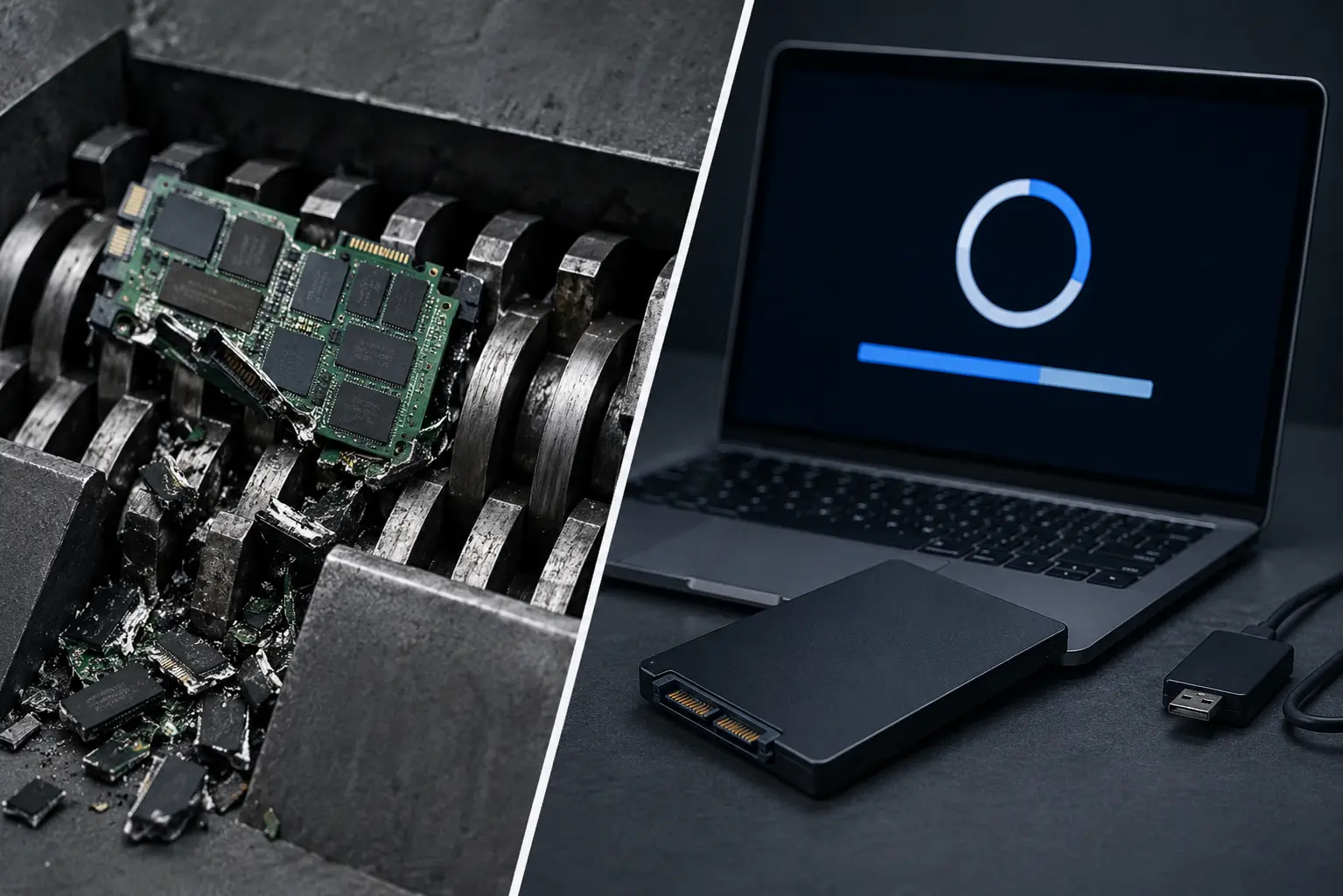
Older, damaged, or genuinely obsolete devices are better sent for certified data destruction outright. Where there’s any doubt about whether a wipe has fully cleared a device — particularly for machines that held pupil accounts for several years — physical destruction removes that uncertainty entirely.
A mixed batch is normal. Most schools end up wiping and reselling the newer devices while sending the rest for destruction, rather than treating the whole trolley the same way.
What Proper Chromebook Disposal Actually Involves
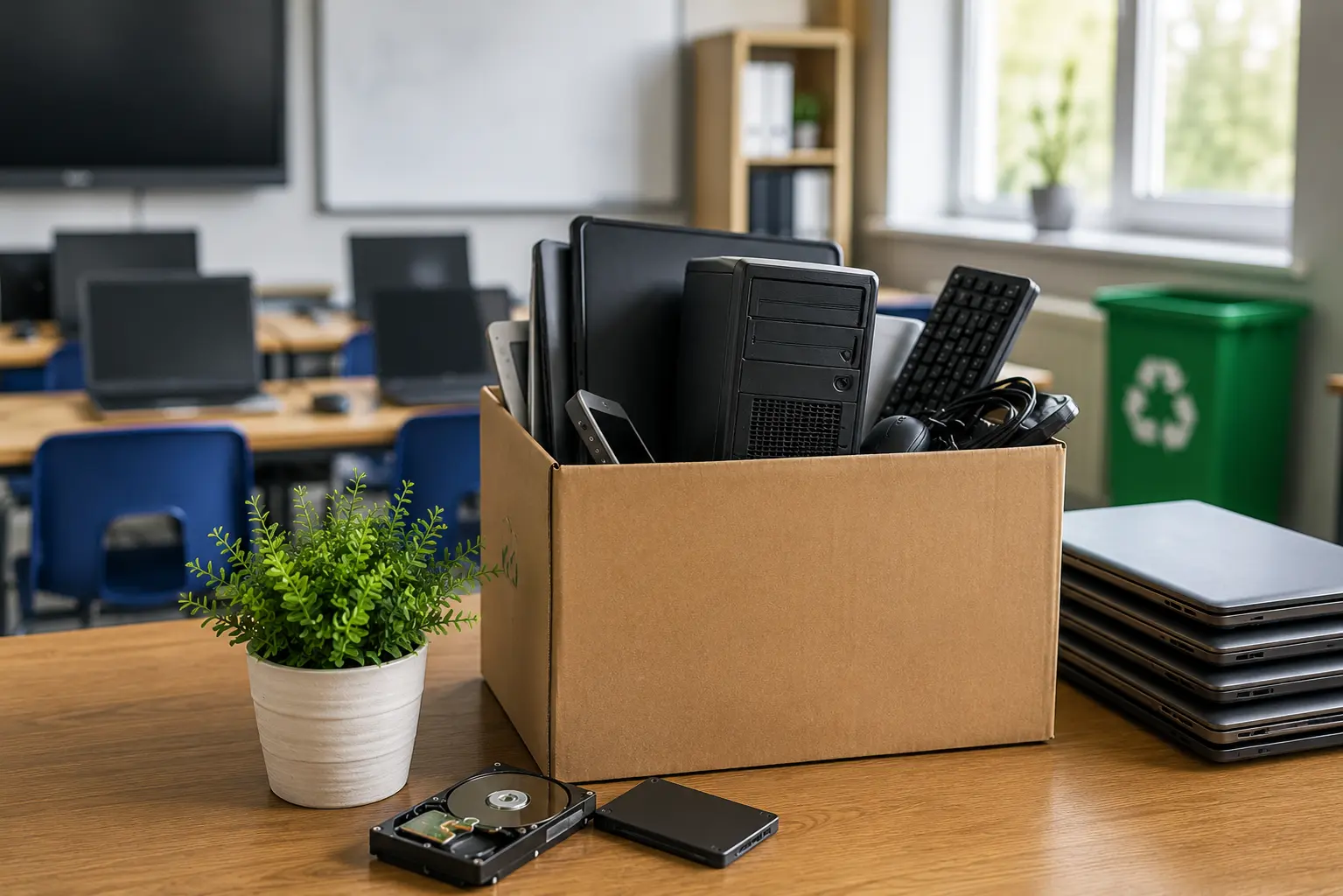
- Inventory the batch. List every device by serial number and asset tag before anything moves, so it can be matched against certificates afterwards.
- Deprovision every device from Google Admin before physical collection, not after.
- Decide reuse vs. destruction based on age and condition, ideally with input from whoever’s handling collection.
- Use certified data wiping for anything being resold or reused, verified rather than assumed.
- Send anything else for physical destruction, particularly devices that are damaged, very old, or have an uncertain wipe history.
- Get a certificate matched to serial numbers for the entire batch — this is what confirms the job was actually finished, not just physically removed from the premises.
Timing It Around the School Year
Chromebook refreshes tend to cluster around a few predictable points — end of a device’s warranty or lease term, a year group leaving, or a wider curriculum device upgrade. Planning disposal around these points, rather than waiting until a storeroom is genuinely full, tends to produce better outcomes:
- Devices retired closer to their working life have more resale value than ones left sitting for an extra year
- Collections can be scheduled for holidays, avoiding disruption during term time
- Deprovisioning gets done properly when it’s planned, rather than rushed when someone finally notices the trolley hasn’t moved
How Chromebook Disposal Fits the Wider Picture
Chromebooks are usually just one part of what a school needs to work through when equipment reaches end of life — interactive whiteboards, printers, and staff devices all carry similar obligations, even though they look and behave differently. Our broader guide to ITAD for schools covers how all of this fits together, and our piece on printer and photocopier disposal covers the equivalent gaps schools tend to miss with office equipment.
Frequently Asked Questions
Does a factory reset (Powerwash) count as secure data destruction? Not on its own. A Powerwash clears local data and resets the device, but it isn’t automatically equivalent to a documented, verified destruction standard. For Chromebooks that held pupil accounts, it’s worth confirming the wipe meets a recognised standard rather than assuming a factory reset is enough.
What happens if a Chromebook isn’t deprovisioned before disposal? It can remain listed as an active device in the school’s Google Admin console indefinitely, which affects licence counts and creates a mismatch between the school’s physical inventory and its digital records. It should be deprovisioned before the device physically leaves the school.
Can old Chromebooks be donated to pupils or community schemes? Yes, and it’s a common and worthwhile option for newer devices in good condition. They need to be deprovisioned and properly wiped first — a donated Chromebook still linked to the school’s domain or carrying a leftover pupil profile isn’t actually ready to give away yet.
Do all Chromebooks need physical destruction, or can they be wiped and reused? It depends on age and condition. Newer, undamaged devices are often worth wiping and reselling or reusing. Older or damaged devices, or ones with an uncertain history, are usually better sent for physical destruction rather than risking an incomplete wipe.
How should a school handle a large batch of Chromebooks all reaching end of life at once? Treat it as a planned project rather than an ad hoc clearout — inventory the batch, deprovision everything from Google Admin, sort by age and condition, and arrange collection around the school calendar so it doesn’t clash with term time.
Final Thoughts
Chromebook disposal looks simple because the devices themselves are simple, but that’s exactly what leads schools to skip the steps that actually matter — deprovisioning, verified data destruction, and proper documentation. A trolley of retired Chromebooks isn’t fully dealt with just because it’s left the building; it’s dealt with once every device has been removed from Google Admin, wiped or destroyed to a proper standard, and accounted for on a certificate.
Get that process right once, and the next device refresh becomes a routine job rather than a scramble every time a year group’s devices reach the end of their working life.